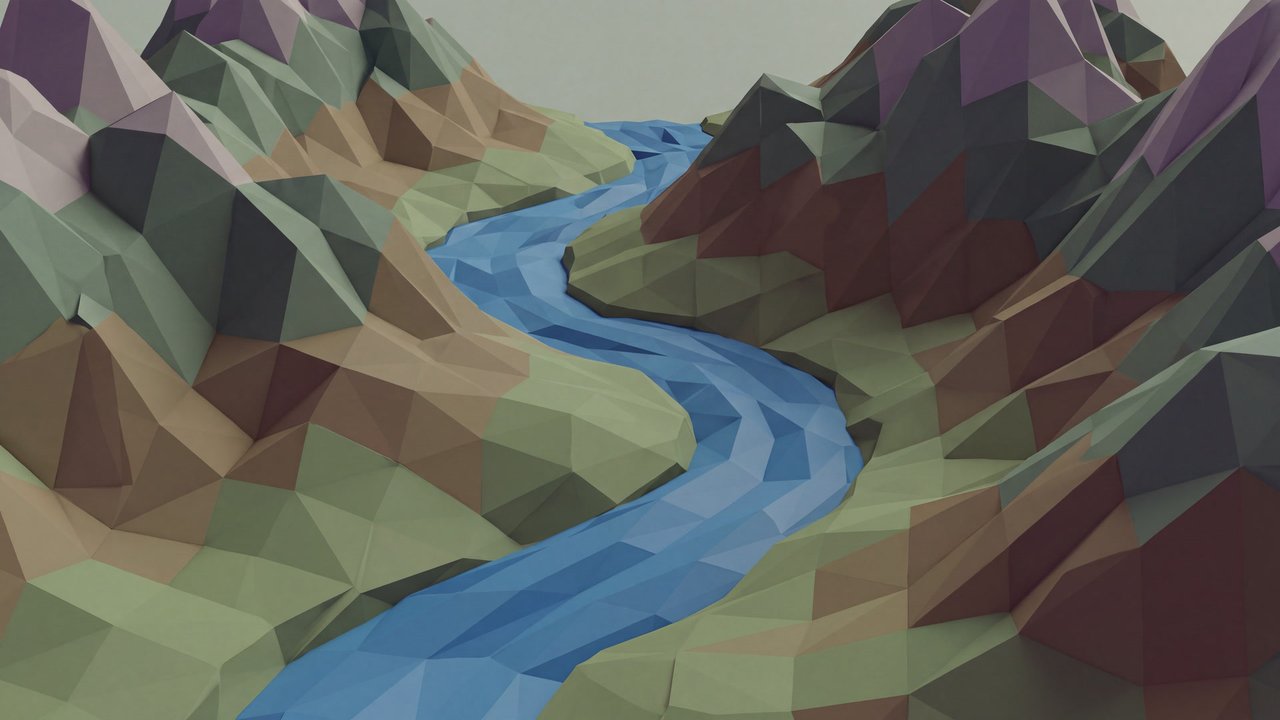

Valley with a river and mountain ranges
Preset
Clay figurine render
Renders sculptural forms with the rounded, matte volume of a clay figure.
Compare ↗Concept / Digital sculpting
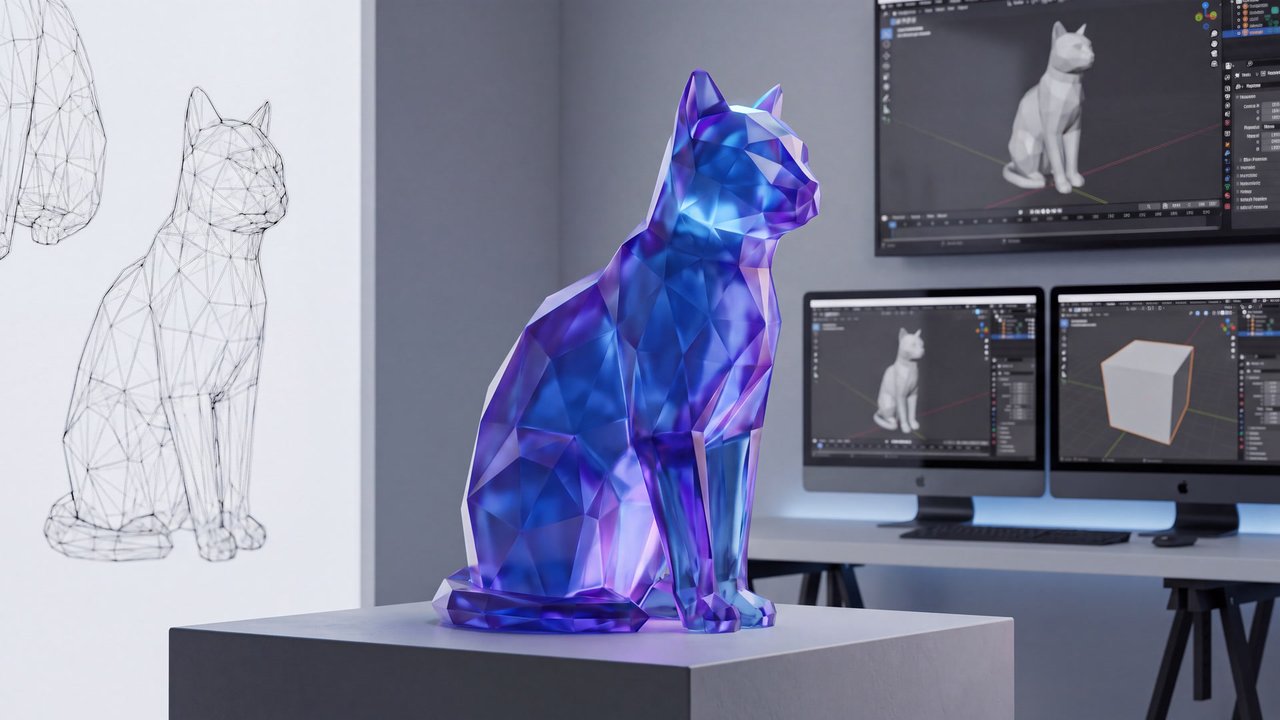
3D geometry method
A modeling method that directly shapes three-dimensional volume and surfaces with brush-like operations resembling adding or carving clay.

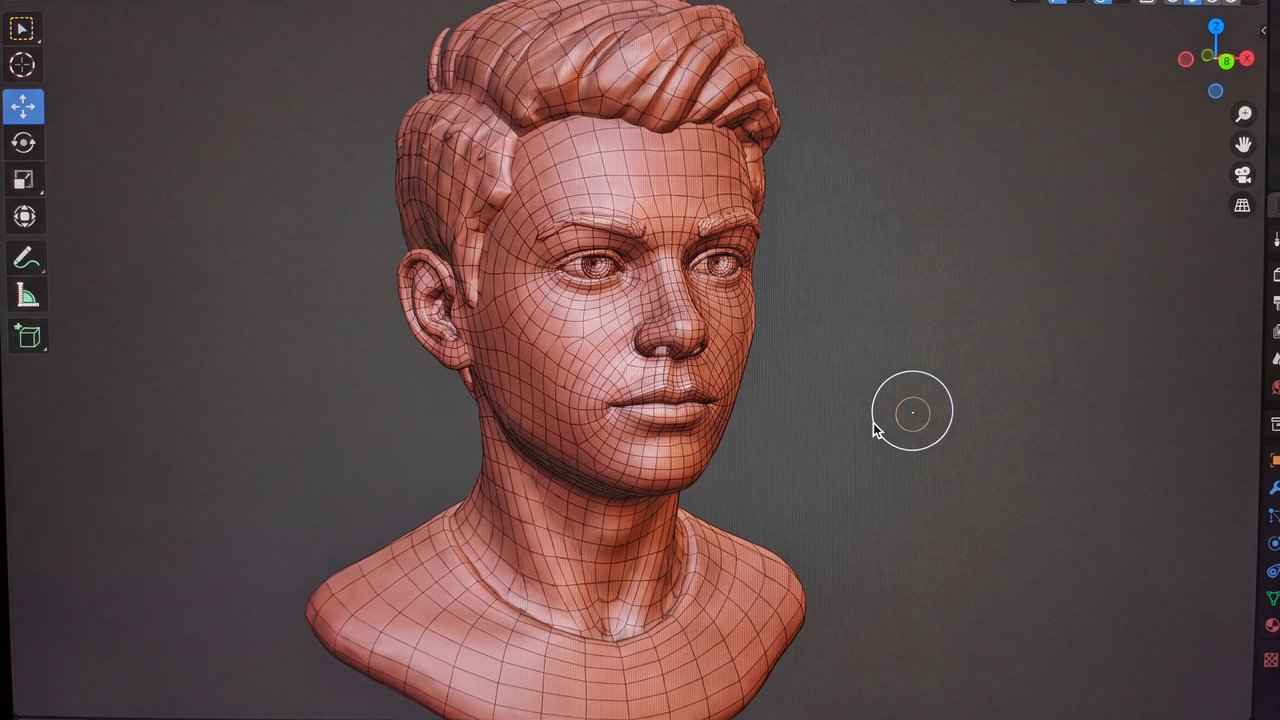
Teenage boy
Both languages share the English example images. Japanese prompts are the recorded translations.
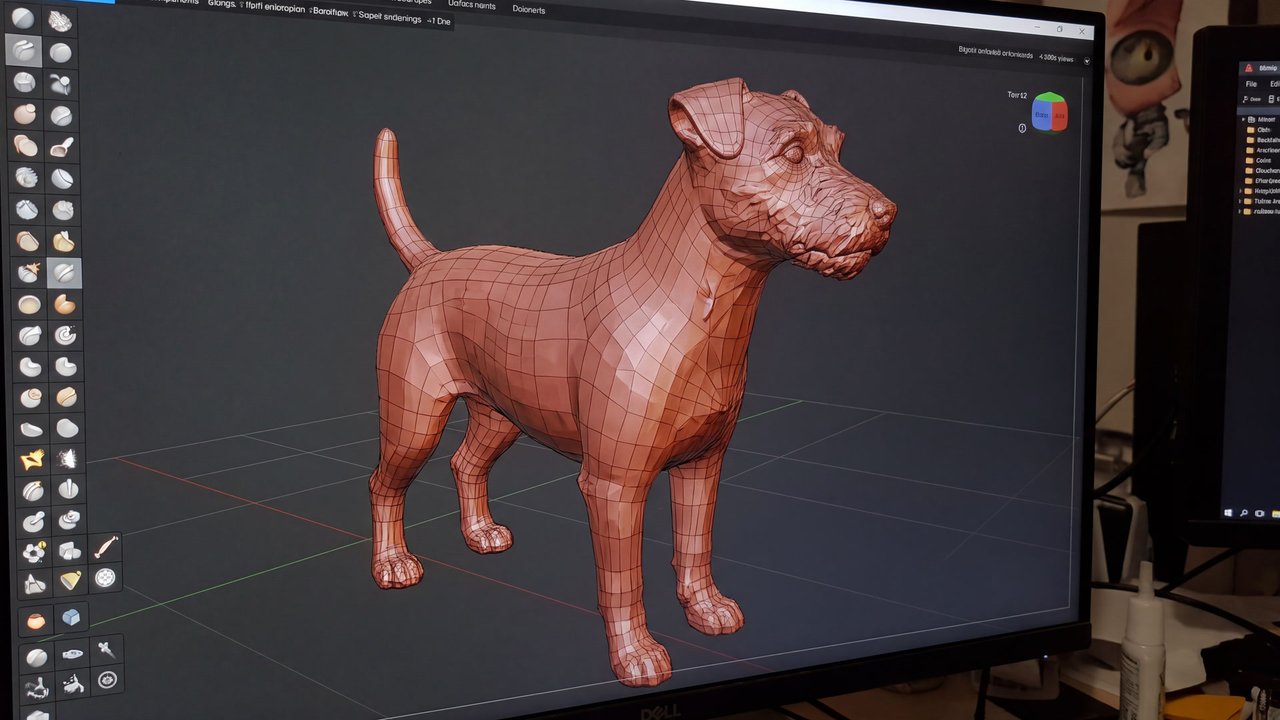
Directs the geometry toward three-dimensional form shaped sculpturally with brush-like operations.
Organic volume, gradual relief, and local surface changes shaped by pushing, pulling, and smoothing are likely visual cues.
Digital sculpting creates form by using brush-like operations to push, carve, and smooth the volume, relief, and detail of a 3D mesh. It is distinct from clay-looking materials, physical sculpture, and rendering that produces a finished image.
Digital sculpting shapes a three-dimensional form sculpturally through repeated brush operations such as pushing, carving, smoothing, and pulling. It is well suited to adjusting organic volume, soft relief, and local surface detail, but it does not determine the subject, surface material, lighting, or final image style. Clay-like rendering, physical sculptural media, high polygon density alone, and two-dimensional shaded drawing are separate concerns.
The appearance of relief and brush marks varies with geometry density, brush settings, post-processing, materials, lighting, and generation model, so visible sculpting marks are not guaranteed.
The exact full prompt for these supplemental images is not supplied. This is not a same-seed experiment.

Medium-sized dog
Content updated:
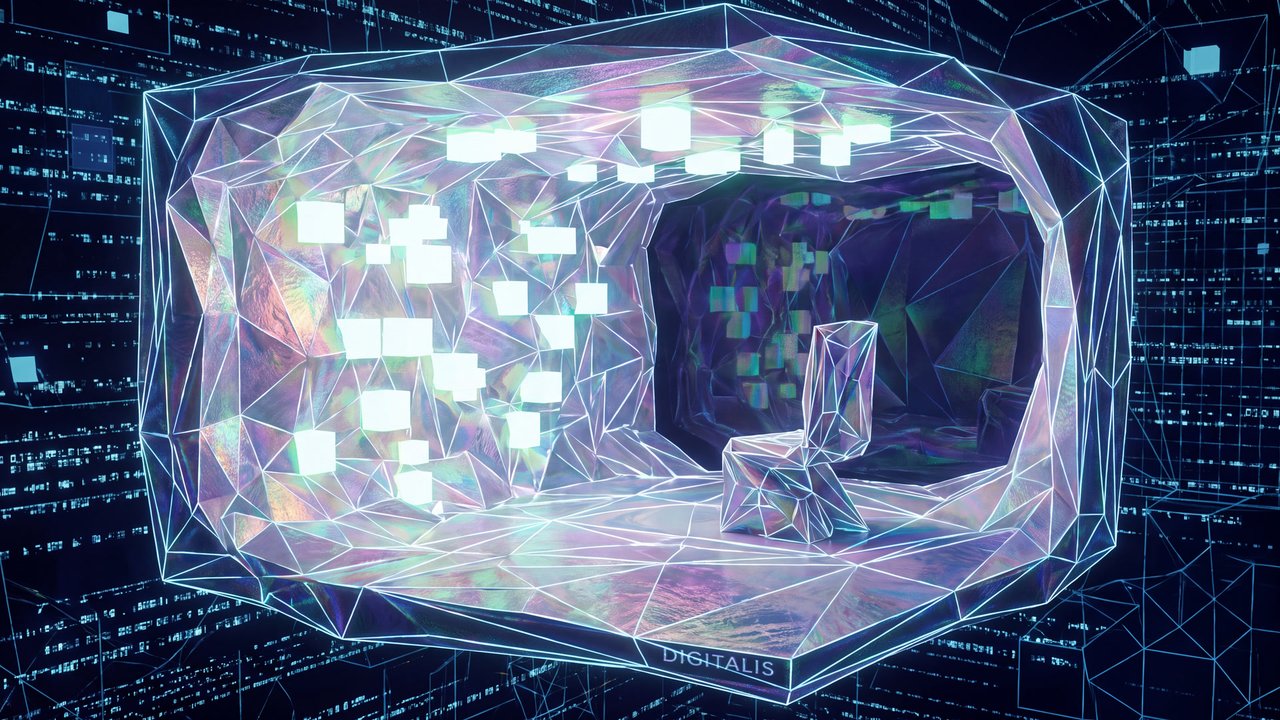
Valley with a river and mountain ranges
Preset
Renders sculptural forms with the rounded, matte volume of a clay figure.
Compare ↗Items linked through explicit membership in the same theme.

Teenage boy
Concept
A modeling method that constructs smooth three-dimensional geometry by controlling curves and continuous surfaces.
Compare ↗
Teenage boy
Concept
A 3D rendering method that separates shading into a few flat color areas.
Compare ↗
Teenage boy
Concept
A 3D rendering treatment with the volume of a small clay figure.
Compare ↗