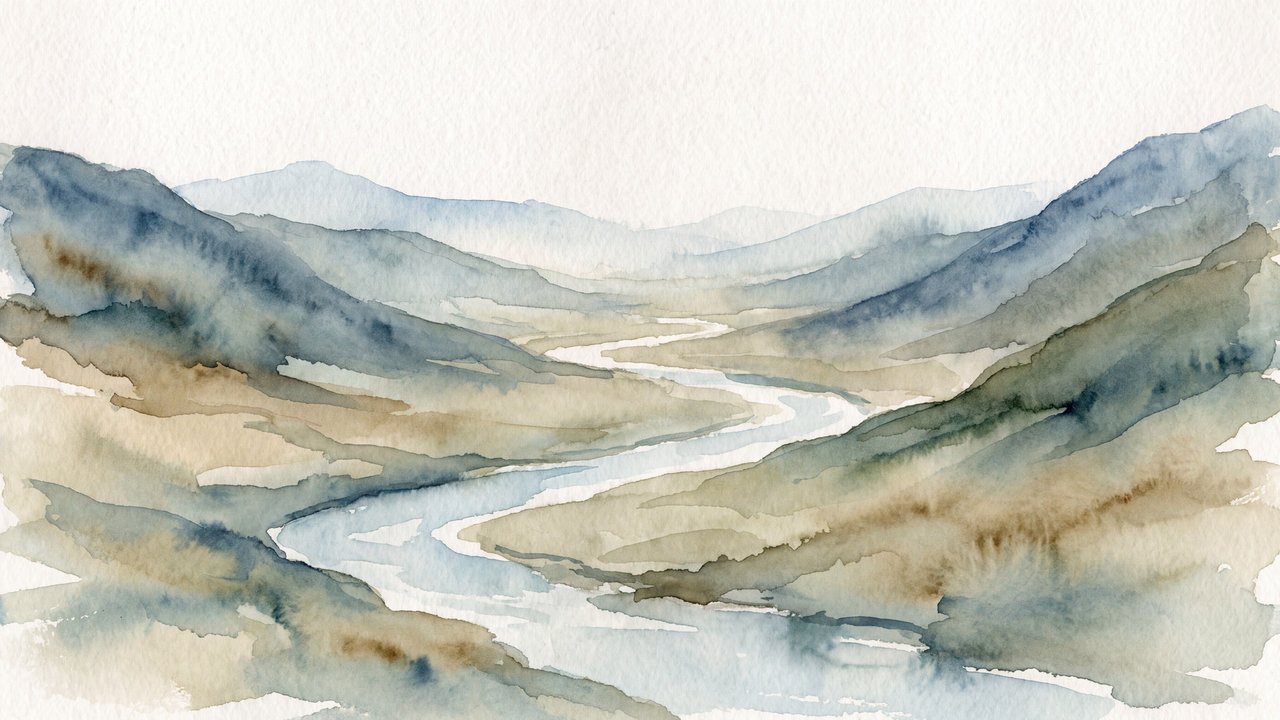

Valley with a river and mountain ranges
Preset
Ink wash painting
Combines the medium, material, process, and appearance that make an image read as ink wash painting.
Compare ↗Concept / Wash
application technique
A application technique characterized by thin translucent layers, broad pale fields, and overlaps.

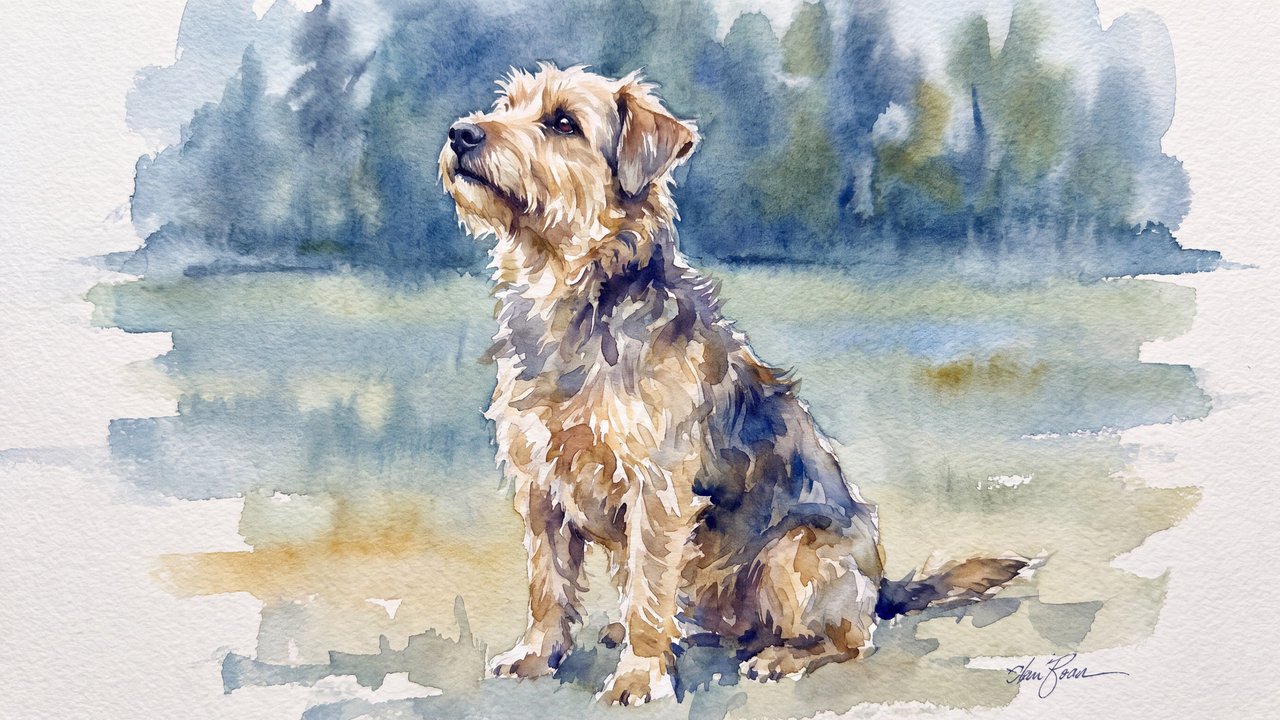
Medium-sized dog
Both languages share the English example images. Japanese prompts are the recorded translations.
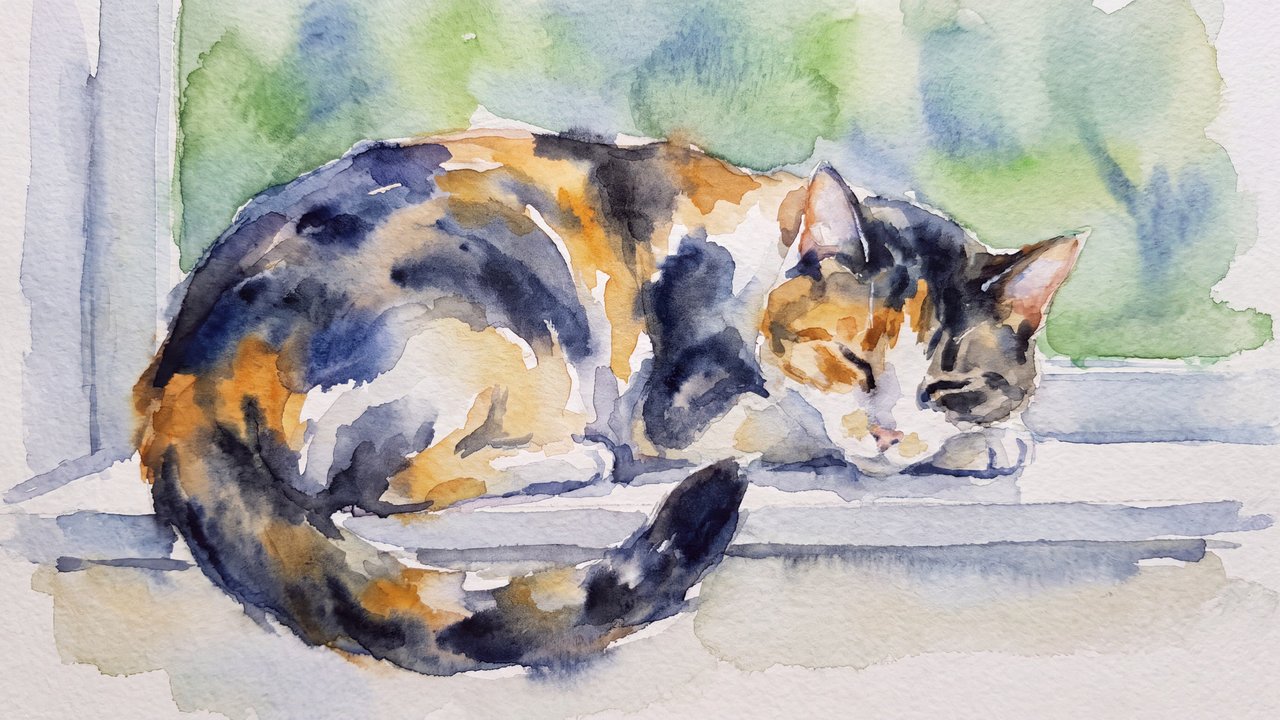
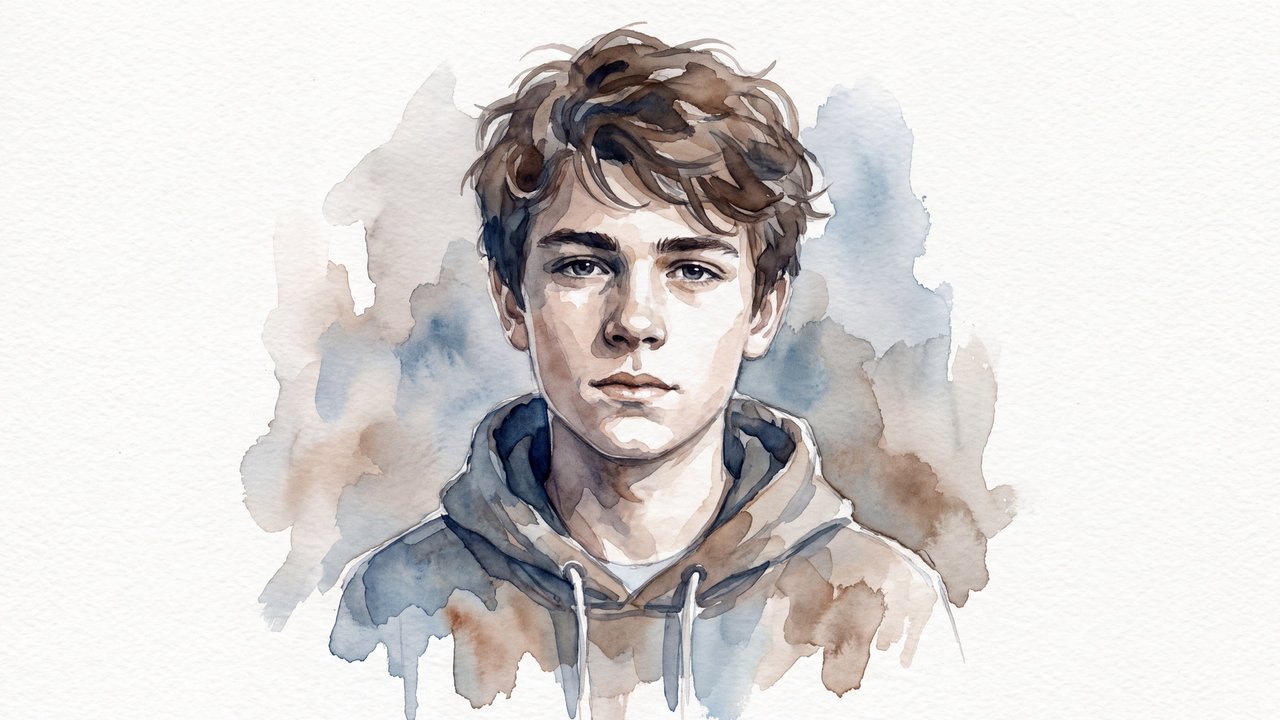
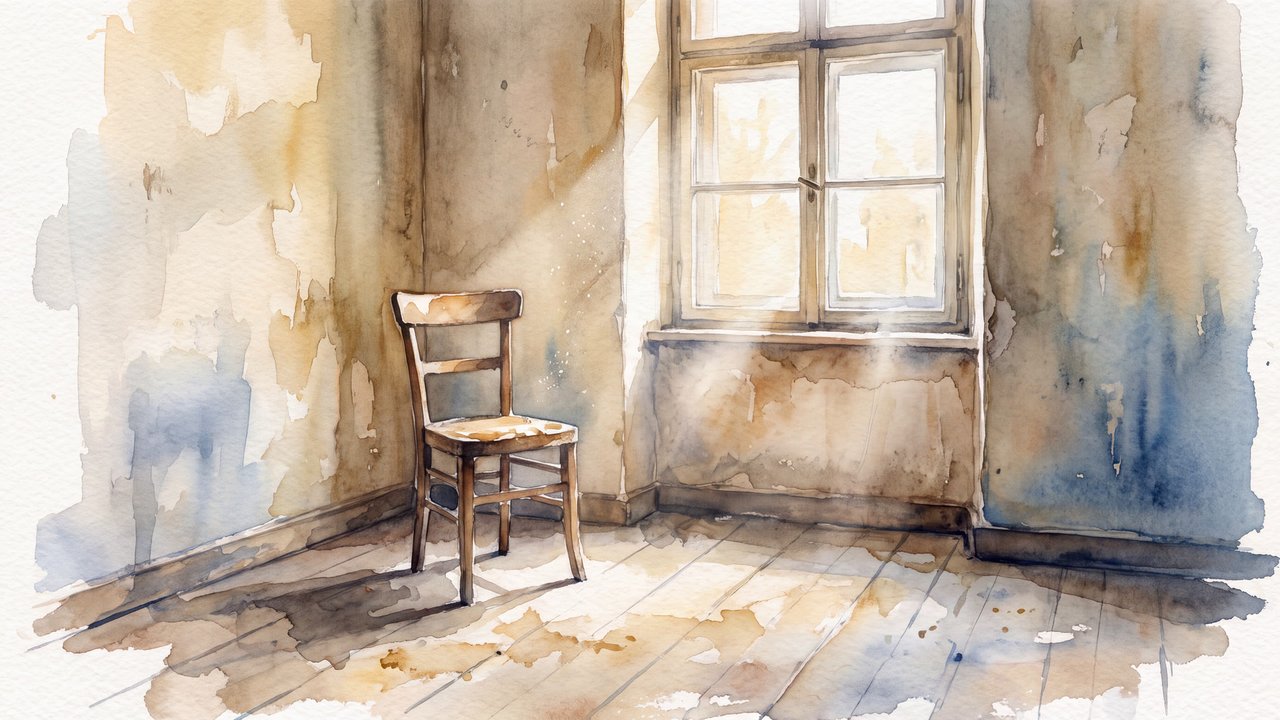
Directs the image toward thin translucent layers, broad pale fields, and overlaps.
thin translucent layers, broad pale fields, and overlaps
Wash is a application technique that specifies thin translucent layers, broad pale fields, and overlaps as one image-control axis. It does not determine subject, composition, era, or creator.
The image is structured through thin translucent layers, broad pale fields, and overlaps. Adjacent material, medium, process, and finished-appearance elements remain independently combinable, and named works or brands are outside its scope.
Strength varies with accompanying medium, color, lighting, and detail directions.
Content updated:
Valley with a river and mountain ranges
Preset
Combines the medium, material, process, and appearance that make an image read as ink wash painting.
Compare ↗Items linked through explicit membership in the same theme.

Medium-sized dog
Concept
A paint that uses pigment in an aqueous medium, generally diluted with water and used for translucent color layers that can preserve the brightness of the support.
Compare ↗

Medium-sized dog
Concept
A gridded surface appearance suggesting a woven canvas support.
Compare ↗