

Concept / Film emulation
Film emulation
Postprocessing that recreates film-photo color response and grain
Postprocessing that recreates film-photo color response and grain.

Teenage boy
Both languages share the English example images. Japanese prompts are the recorded translations.
A phrase to start with
Adds film-like color response and grain across the image.
Appearance and effects
Color response and fine grain shape the whole image.
Visual traits
- color cast
- gentle contrast
- fine grain
Expected changes
- Color response is more likely to become unified
- Fine grain is more likely to appear
Five examples
1 — Medium-sized dog
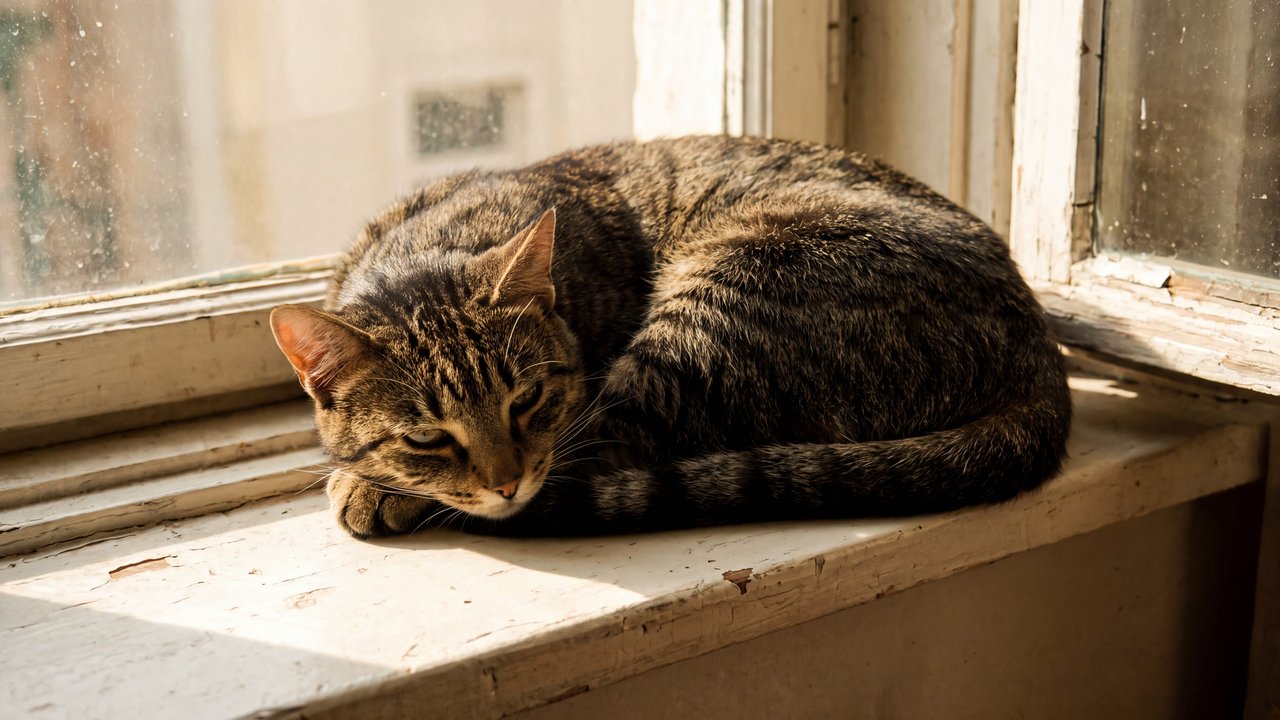
Open image ↗2 — Cat
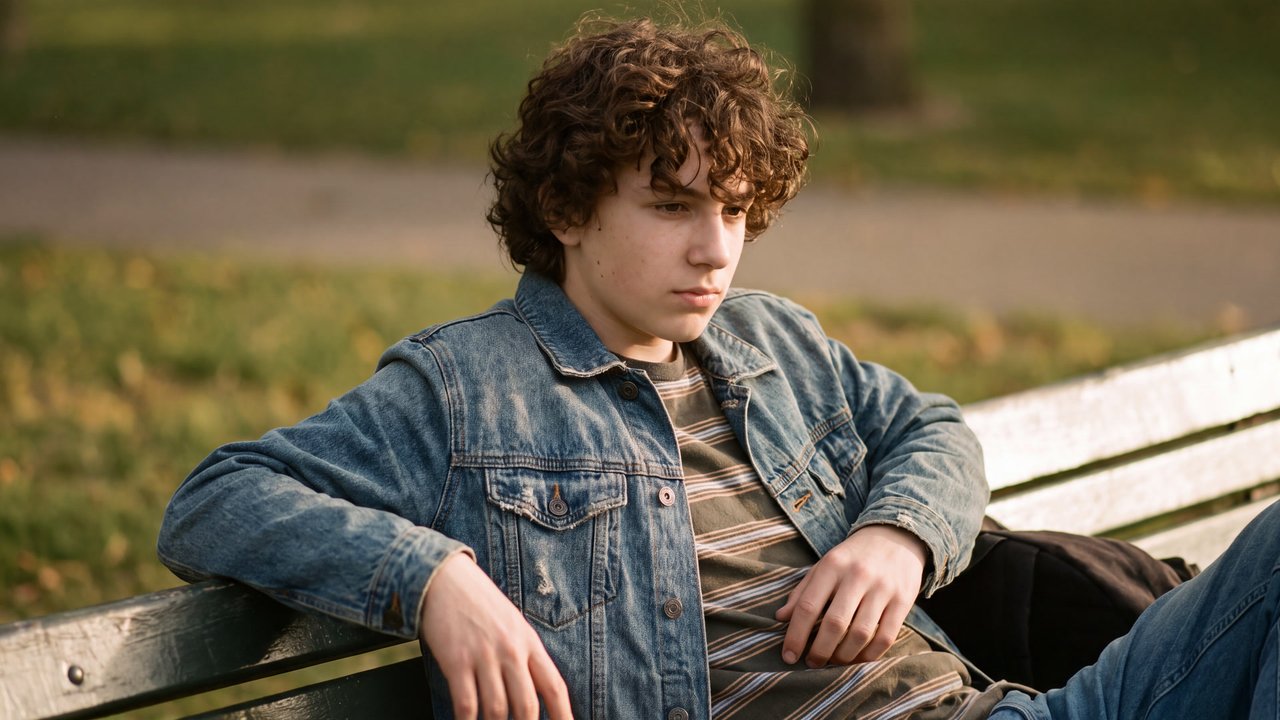
Open image ↗3 — Teenage boy
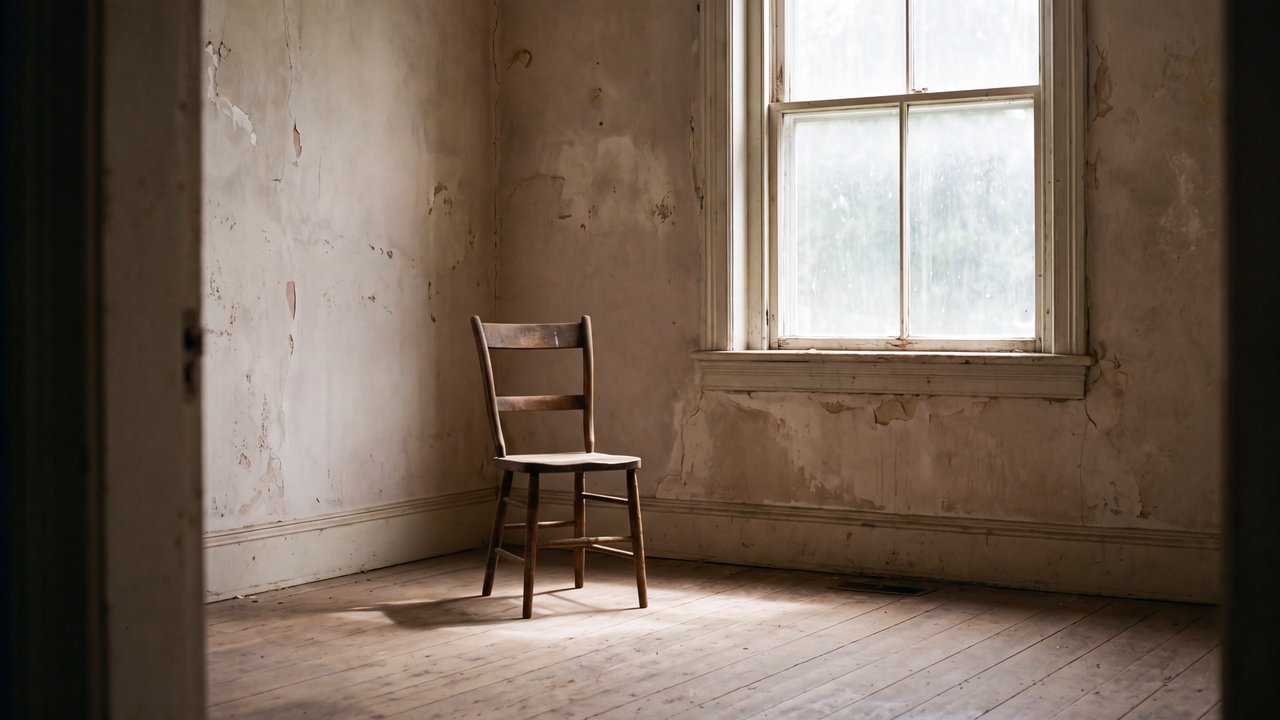
Open image ↗4 — Unoccupied interior
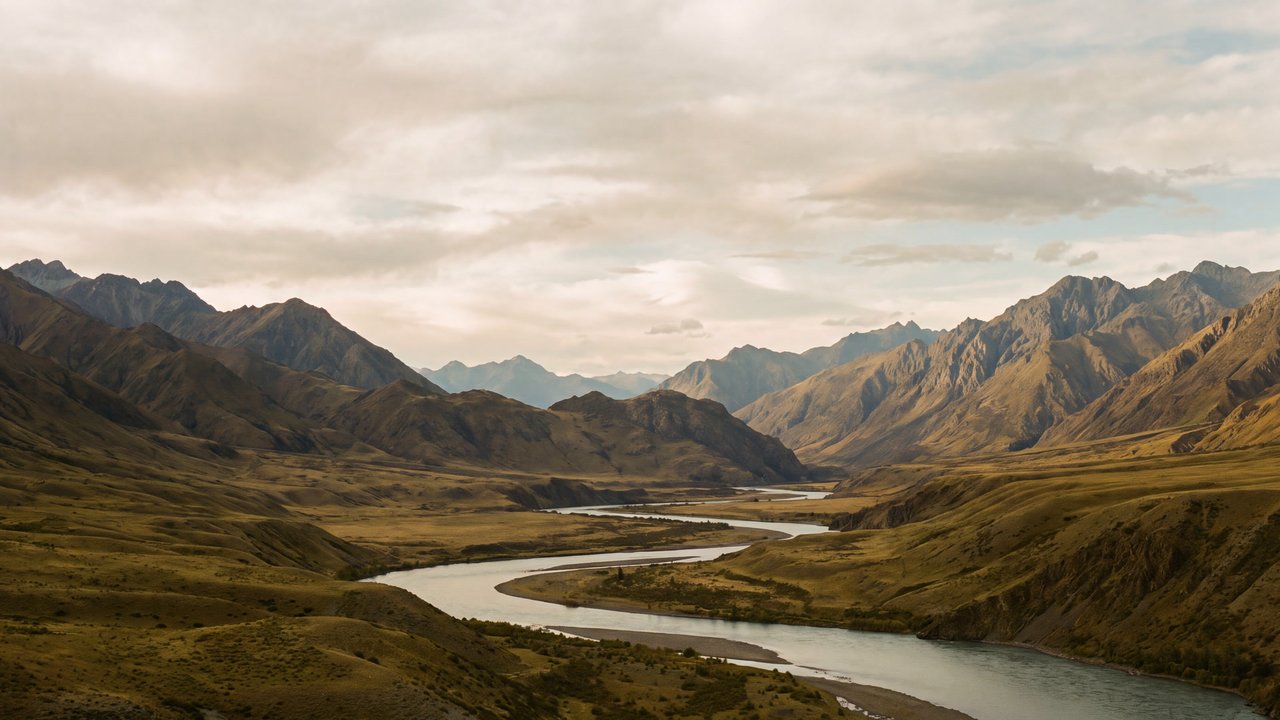
Open image ↗5 — Valley with a river and mountain ranges
Open image ↗Meaning and scope
Definition
Film emulation adjusts color, contrast, and grain in a finished image to create a film-like appearance. It does not determine an actual capture medium, camera, era, or subject.
In more detail
It treats color response and grain together. A named film stock, development process, local retouching, and combining images are separate choices.
Includes
- Film-like appearance through color
- contrast
- and grain
Excludes
- Actual film capture
- local retouching
- compositing multiple images
What this does not imply
- Actual film capture
- a named stock
- era
- or subject
Variability
The general source does not directly substantiate the response of a named film stock.
Usage and adjustments
Usage
- Specify only the whole-image appearance
Distinguish similar expressions
- Distinguish it from an actual capture medium or named stock
Typical uses
- Shape whole-image color response
Possible failure modes
- Grain becomes excessive
- Colors collapse to one tint
Content updated:
From the same theme
Items linked through explicit membership in the same theme.

Teenage boy
Concept
HDR tone mapping
Postprocessing that maps HDR brightness into a displayable range.
Compare ↗
Teenage boy
Concept
Image compositing
Processing that combines multiple image elements into one frame.
Compare ↗