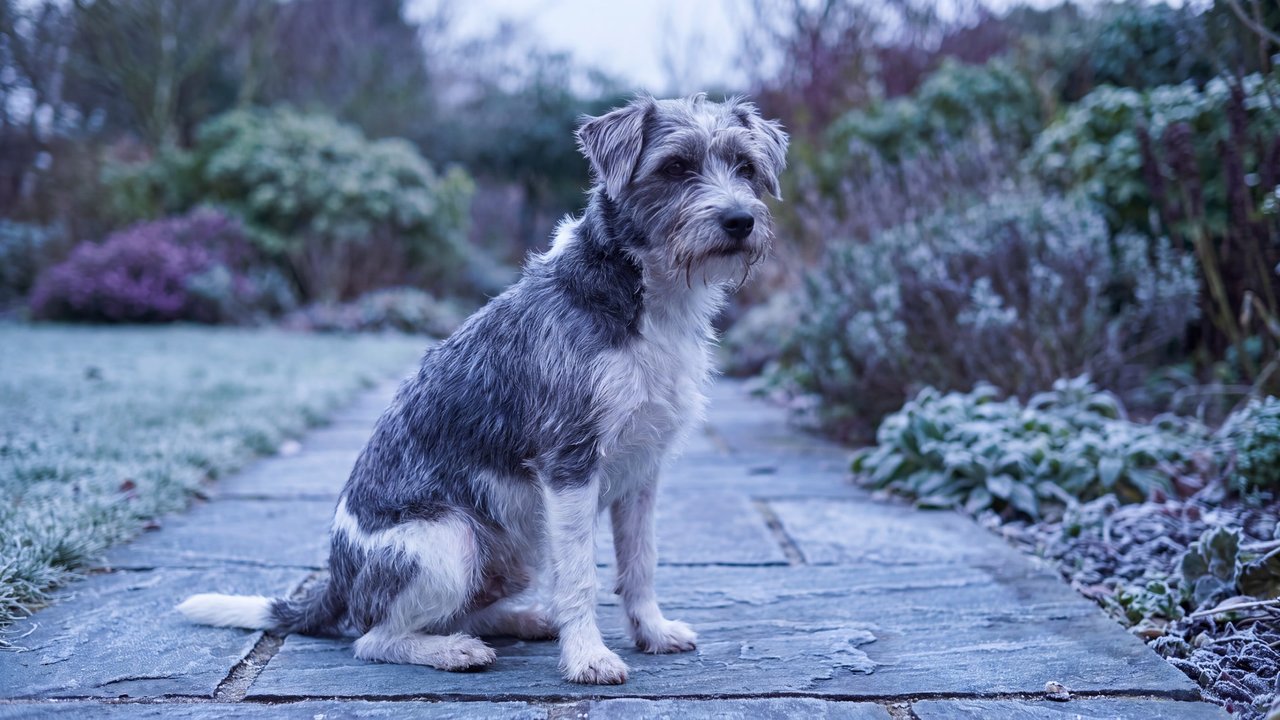


Medium-sized dog
Concept
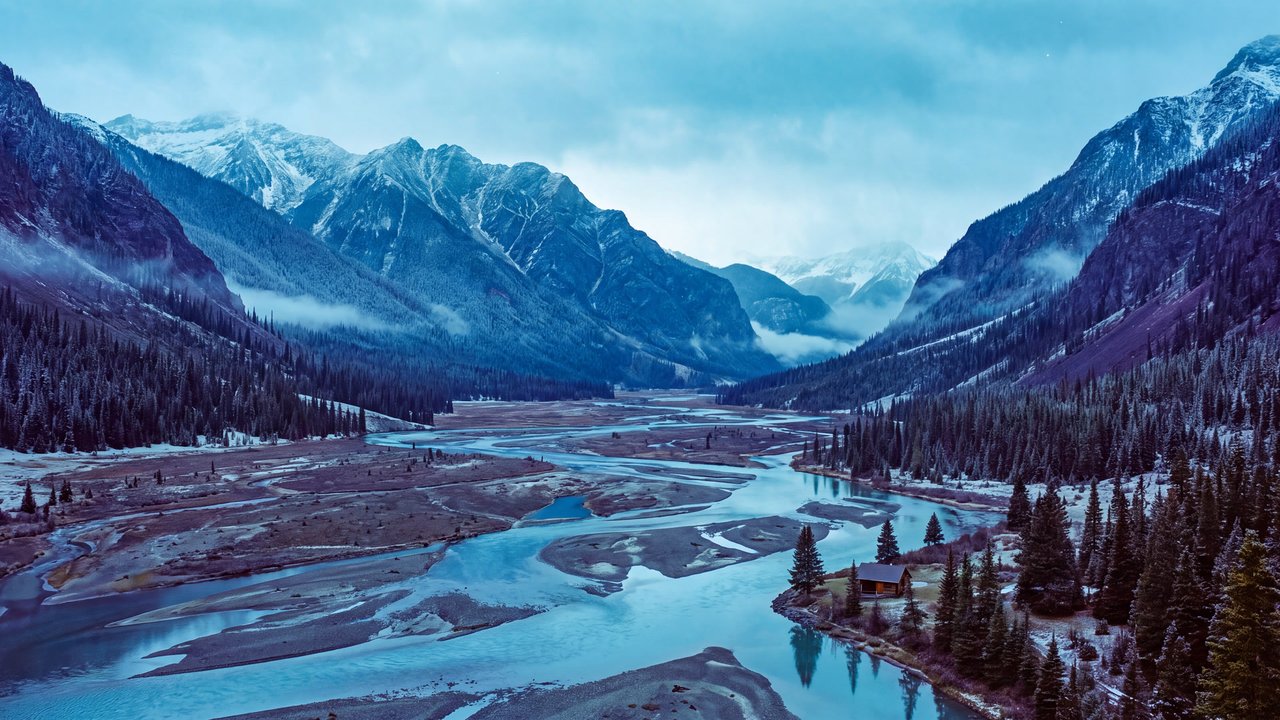
Aerial perspective
A depth treatment that makes distant forms paler, cooler, and less distinct.
Compare ↗Concept / Cool palette
A palette centered on hues perceived as cool, such as blue, green, and violet
A palette centered on hues perceived as cool, such as blue, green, and violet.

Medium-sized dog
Both languages share the English example images. Japanese prompts are the recorded translations.
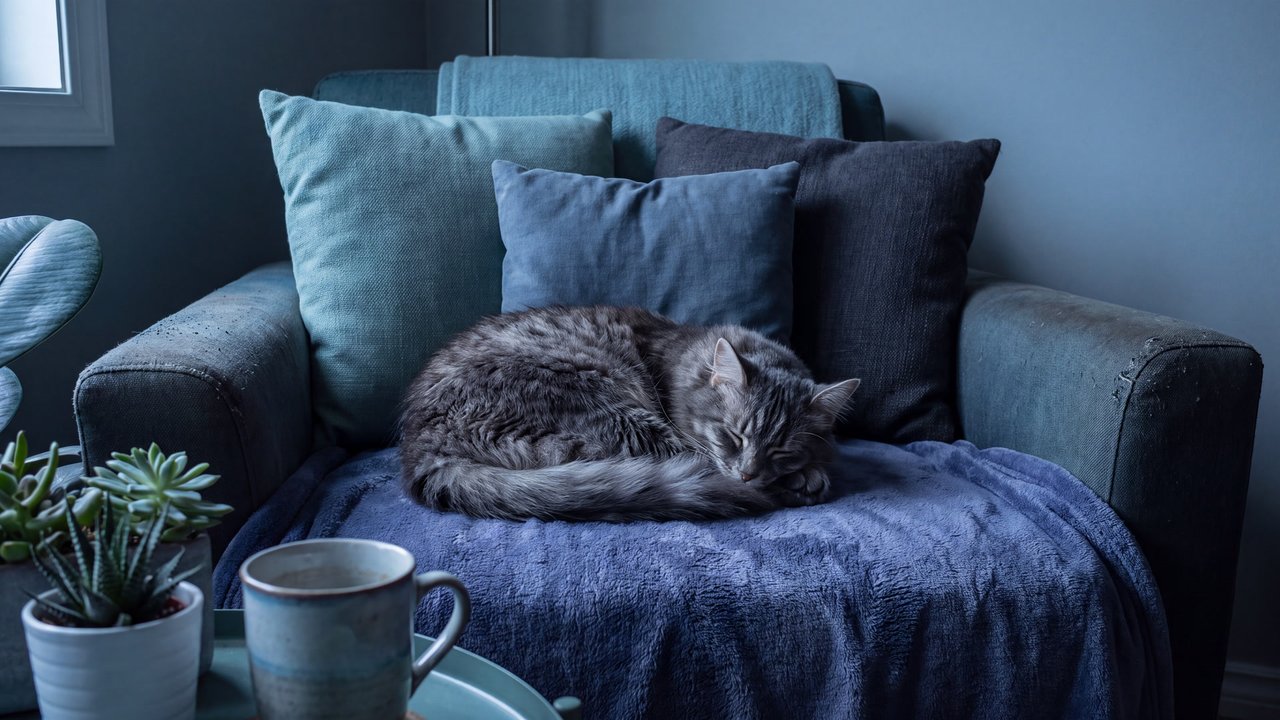
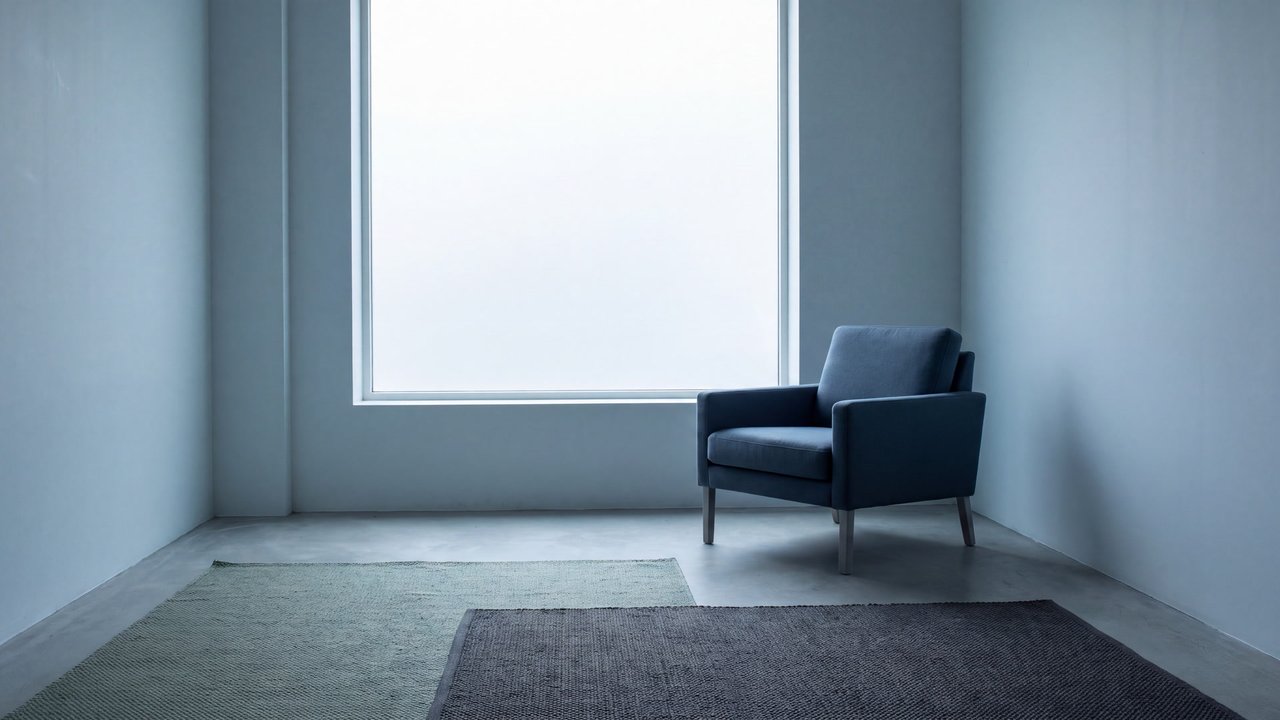
Organizes color around blue, green, and violet to shift the image toward cool temperature.
Blue through violet or green hues occupy the image, making cool color temperature legible.
A cool palette uses blues, blue-greens, greens, or violets as its main range to make image color temperature appear cool. It does not include low value, night, winter, a particular emotion, or a lighting cause.
Cool hues may be light or dark and can combine with neutrals or small warm accents. This covers hue tendency only, apart from brightness and contrast. It is distinct from a warm-dominant palette and from grayscale without hue.
Brightness, saturation, and the amount of warm accent can be adjusted separately.
Content updated:
Items linked through explicit membership in the same theme.
Medium-sized dog
Concept
A depth treatment that makes distant forms paler, cooler, and less distinct.
Compare ↗
Medium-sized dog
Concept
A composition that balances off-center elements through visual weight.
Compare ↗
Medium-sized dog
Concept
A composition that places the main subject on the image's central axis for focus and stability.
Compare ↗